

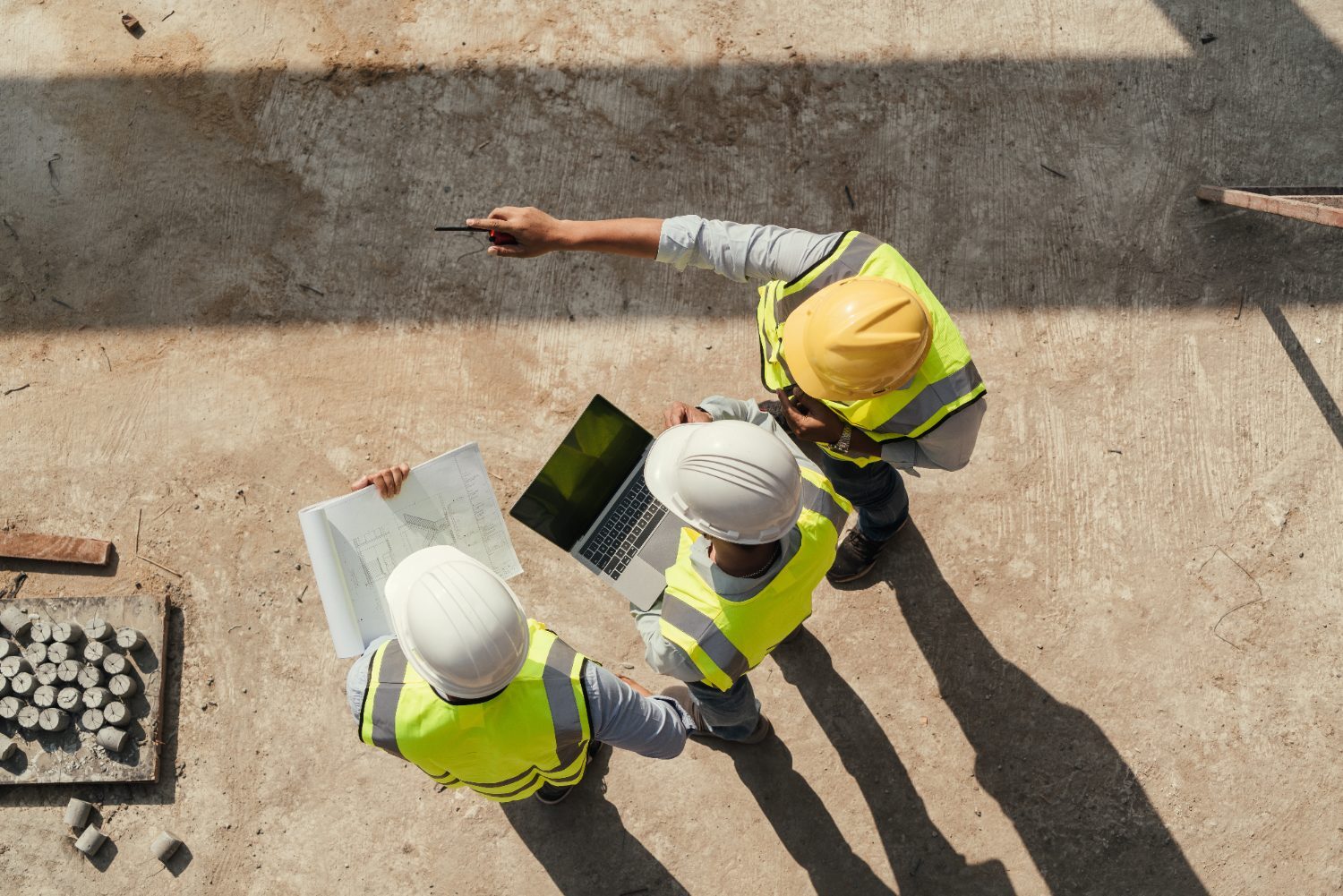
Construction is one of the toughest environments to run IT in — and most generic providers don’t get it. Your teams move between the office, a trailer that changes location every few months, and jobsites where connectivity can be anything from fiber to a cell signal on a good day. Meanwhile, bids, contracts, drawings, and client data all have to stay available and protected across every one of those places.
Good construction IT support meets the work where it happens. Here’s how we think about it.
Construction IT is different: office, trailer, and jobsite all at once
A provider built for a single-office business will leave you exposed the moment work moves outside those four walls. Construction IT has to account for:
- The main office — estimating, accounting, project management, and the systems everything else depends on.
- The job trailer — a mini-office that stands up fast, needs a reliable connection, and comes down when the job’s done.
- The jobsite — crews who need plans, photos, and approvals in hand, wherever they’re standing.
Getting all three to work together reliably starts with knowing what you have. Our IT infrastructure checklist is a good place to take stock.
Keeping crews connected and secure in the field
A crew that can’t pull up the current drawing set builds off the old one — and that mistake is expensive. Reliable field connectivity keeps the right information in the right hands. But connectivity without security is a risk, especially on public or shared networks. We set up field access so it’s both dependable and safe.
If Wi-Fi keeps dropping in the trailer or across the site, that’s usually a fixable setup issue — here’s what’s typically behind it.
Remote access to plans and systems, done safely
Remote access is the heart of construction IT — and the piece most often left wide open. PMs logging in from the road, subs needing a file, office staff working from home: every one of those connections is a door. We make sure those doors are locked and monitored without making people jump through hoops. It’s the single most common gap we find on construction networks, and one of the most important to close.
Protecting bids, contracts, and client data
The information that wins and runs your jobs — estimates, contracts, client details, financials — is exactly what attackers want and what a hardware failure can wipe out. Protecting it means locking down access, keeping tested backups, and having a plan to get back to work fast if something goes wrong. Our network security checklist covers the fundamentals in plain language.
Scaling IT as you win bigger projects
Bigger projects mean more people, more sites, and more systems — often faster than your IT was built to handle. We plan for that growth so your technology is an asset on the next bid, not a bottleneck. Predictable costs, a clear roadmap, and a partner who answers the phone: that’s the Winsor way. The Network Upgrade Planning Guide is a practical starting point for mapping that growth.
See how ready your sites really are
Take the free 3-minute Network Readiness Check for a fast read on how your office, trailers, and sites connect — and what to fix now, next, and later. Planning ahead? Grab the planning guide.